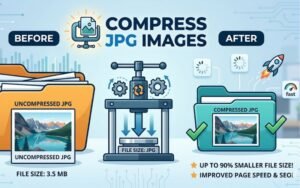
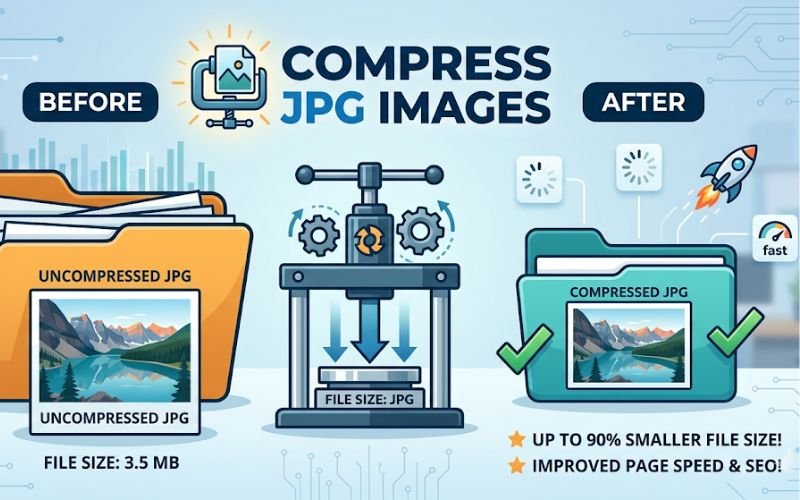
In the digital realm, images play a pivotal role in engaging audiences, whether for a website, social media, or marketing materials. However, high-resolution images can often be bulky, leading to slower loading times and increased bandwidth usage. This is where image compression becomes essential. Creatoolz provides an intuitive and efficient solution for compressing JPG images without compromising quality. In this article, we’ll explore the importance of JPG compression, how it can benefit you, and a detailed guide on using Creatoolz for this task.
Understanding JPG Format
What is JPG?
JPG (or JPEG) stands for Joint Photographic Experts Group, the organization that created this image format. It is widely used, primarily due to its ability to compress images effectively. JPG uses lossy compression, which reduces file sizes significantly by discarding some image data, making it ideal for storing and sharing photographs.
Advantages of JPG
- Compact File Size: JPG images occupy less storage space compared to other formats, making them perfect for web use where loading speed is crucial.
- Wide Compatibility: JPG is supported by virtually all devices and software applications, ensuring that users can easily view and share images without compatibility issues.
- Flexible Quality Settings: When saving a JPG file, users can adjust the quality settings. This allows for a balance between quality and file size depending on specific needs.
Why Compress JPG Images?
1. Improved Loading Times
High-resolution JPG files can slow down your website’s loading times, which is detrimental to user experience. Studies show that even a one-second delay in loading can lead to higher bounce rates. Compressing JPG images can significantly enhance loading times, leading to improved user engagement.
2. Enhanced SEO Performance
Search engines like Google prioritize sites that load quickly. By compressing images, you can improve your website’s speed, which can contribute positively to your search engine rankings. Optimized images support better SEO performance.
3. Reduced Bandwidth Usage
Large files consume more bandwidth, which can lead to increased hosting costs. By compressing your JPG images, you lower the amount of bandwidth needed, making your website more cost-effective, especially for high-traffic scenarios.
4. Better User Experience
Ultimately, compressing JPG images can lead to a smoother browsing experience. Faster load times and higher site performance can increase visitor satisfaction and encourage visitors to stay longer.
How to Compress JPG Images using Creatoolz
Creatoolz offers a seamless solution for compressing JPG images. Here’s a step-by-step guide to help you navigate through the process quickly:
Step 1: Open the Creatoolz Compression Tool
Start by navigating to the [Creatoolz JPG Compression Tool]. The interface is user-friendly, allowing you to get started quickly.
Step 2: Upload Your JPG Files
You can upload your JPG files easily by:
- Drag and Drop: Simply drag your JPG images from your file explorer and drop them into the designated area on the website.
- Choose Files: Alternatively, click the “Choose Files” button to browse and select the files you wish to compress from your device.
Step 3: Start the Compression Process
After uploading your files, click the “Compress & Download ZIP” button. This action initiates the compression process, and you’ll be able to monitor the status of your uploaded files.
Step 4: Download Your Compressed Images
Once the compression is complete, a link will appear for you to download your compressed JPG images. You’ll receive a ZIP file containing all the optimized images.
Benefits of Using Creatoolz for JPG Compression
1. Free to Use
One of the standout features of Creatoolz is that it is completely free of charge. Users can optimize their images without incurring any costs, making it an excellent tool for individuals and small businesses.
2. No Registration Required
Creatoolz allows users to start compressing their images without the need for signing up or creating an account. This convenience makes it easy to use, saving you time from unnecessary steps.
3. High-Quality Output
The platform ensures that your compressed JPG images maintain their high quality. You won’t have to sacrifice clarity for smaller file sizes, allowing you to keep your visuals looking sharp.
4. Rapid Processing Speeds
In today’s fast-paced world, efficiency is key. Creatoolz provides swift processing, ensuring you can compress and download your images in seconds.
5. User-Friendly Interface
The interface of Creatoolz is designed to cater to users of all skill levels. Whether you’re a tech-savvy professional or a casual user, you will find it easy to navigate the platform and complete your tasks.
6. Secure and Private
You can trust that your images are safe with Creatoolz. The platform does not store your files after processing, ensuring your data remains private.
Use Cases for JPG Compression
There are numerous scenarios where compressing JPG images is beneficial:
1. Web Development
Web developers can greatly benefit from compressed image files that load quickly, improving site performance and user satisfaction.
2. E-commerce
For online stores, showcasing product images that load fast is essential for customer retention and conversion rates. Compressed JPG images can significantly contribute to this goal.
3. Graphic Design
Graphic designers frequently manage high-resolution files. Compressing JPG images can help ease workflows while maintaining the quality of their designs.
4. Social Media Management
Social media managers must ensure images load quickly on platforms that prioritize user engagement. Compressed JPGs enhance this performance, allowing for smoother scrolling and more engaging posts.
5. Blogging
Bloggers can optimize their website performance by compressing images before uploading them. High-quality, efficient images can make content more visually appealing and easier to access.
Conclusion
In the digital landscape, optimizing your images is crucial for enhancing user experience and improving SEO. Creatoolz offers a reliable and efficient solution for compressing JPG images, allowing you to maintain quality while significantly reducing file sizes.
Are you ready to streamline your image management? Visit the [Creatoolz JPG Compression Tool] today and discover how effortless it is to optimize your images for the web! Keep your content engaging and fast-loading with the power of Creatoolz.
Frequently Asked Questions (FAQs)
What is a JPG image compressor?
A JPG compressor reduces the file size of JPG images while maintaining acceptable image quality.
Why should I compress JPG images?
Smaller images load faster, improve website speed, and help with better SEO performance.
Will my image quality decrease after compression?
There may be slight quality loss, but Creatoolz keeps it minimal so your images still look good.
Is Creatoolz JPG compressor free to use?
Yes, you can compress JPG images for free without any hidden fees.
Do I need to install any software?
No, the tool works online, so you don’t need to download or install anything.