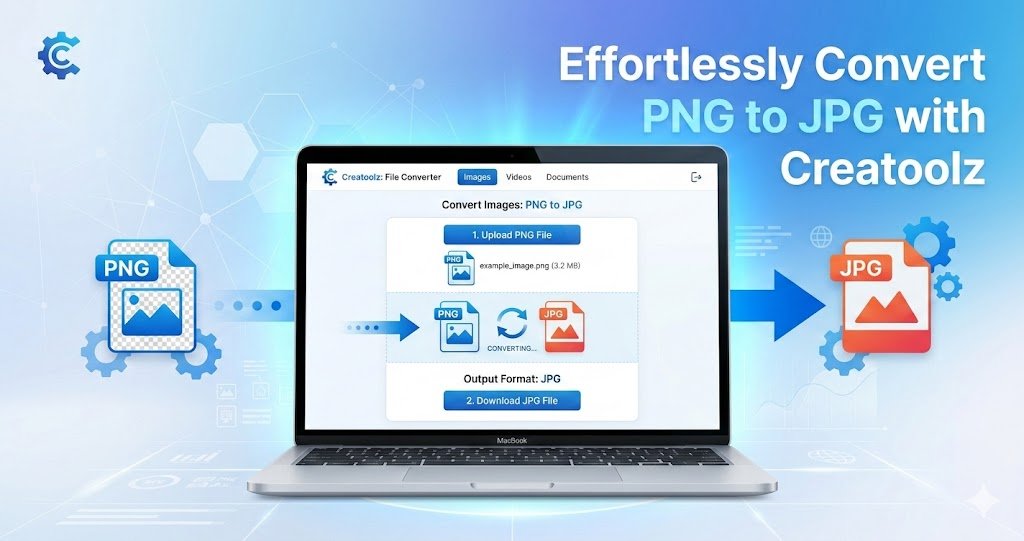
No In the digital age, image formats play a crucial role in how visuals are presented and managed. One of the most common conversions needed today is from PNG to JPG. Whether you’re looking to optimize images for a website, reduce file sizes for emails, or prepare images for printing, Creatoolz offers a seamless and efficient solution for converting PNG images to JPG format. This article will guide you through the benefits, process, and features of using Creatoolz for your image conversion needs.
Why Choose JPG over PNG?
1. Smaller File Sizes
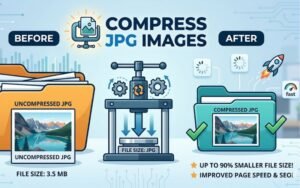
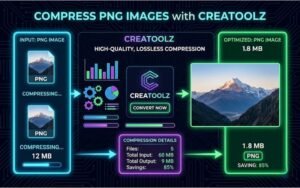
One of the main reasons to convert PNG to JPG is file size. While PNG files retain the highest quality and support transparency, they tend to be larger in size. JPGs, on the other hand, use lossy compression, which significantly reduces file size, making them ideal for websites and social media platforms. By choosing JPG, you can ensure faster loading times and a better user experience on your site.
2. Compatibility
JPG is one of the most universally supported image formats across various platforms and devices. If you’re sharing images or using them in web applications, converting PNG to JPG can prevent compatibility issues. Using Creatoolz to handle the conversion ensures your images can be accessed and viewed by anyone, regardless of their device
3. Good for Photographs
JPG format excels in storing photographs and images with rich colors and gradients. It smooths out the color transitions between tones, which is perfect for photographic images. If your PNG images contain pictures rather than graphics or text, converting them to JPG would usually yield a better visual result
How to Convert PNG to JPG Using Creatoolz
Step-by-Step Guide
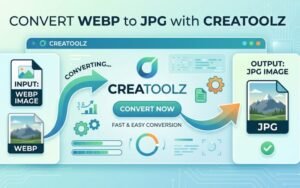
Converting PNG to JPG using Creatoolz is incredibly simple and user-friendly. Here’s a detailed guide on how to do it:
1. Upload Your PNG Files
To start, navigate to the Creatoolz PNG to JPG Converter. You will see a straightforward interface where you can easily upload your PNG files. You can drag and drop your files directly into the designated area or click the “Choose Files” button to select images from your device.
2. Select the Output Format
Once your images are uploaded, the next step is to choose your desired output format. In this case, you’ll select JPG. This option is typically pre-selected when you use the PNG to JPG converter.
3. Start the Conversion
After selecting the output format, click on the “Convert to JPG” button. The Creatoolz platform processes your request and converts the images quickly and efficiently. No complicated settings or software installations are needed.
4. Download Your JPG Images
Once the conversion is complete, you’ll be provided with a download link for your new JPG images. Simply click the link to download the images to your device. You can now use these optimized JPG files for your projects!
Benefits of Using Creatoolz for PNG to JPG Conversion
1. No Registration Required
One of the standout features of Creatoolz is that it requires no registration or sign-up to use its conversion tools. You can start converting images immediately, making it extremely convenient for users who need quick solutions.
2. Free of Charge
Creatoolz is a free-to-use service, which is especially beneficial for small businesses and individual users who may not have the budget for expensive software solutions. You get professional-level conversions without the costs.
3. High-Quality Output
When converting images, quality should never be compromised. Creatoolz ensures that the JPG version maintains an excellent resolution and visual integrity, so you won’t have to worry about quality loss, making it perfect for all uses.
4. User-Friendly Interface
With a clean and intuitive interface, Creatoolz is designed for users of all skill levels. You don’t need to be tech-savvy to navigate the site and complete your conversions quickly and efficiently.
5. Fast Processing Speed
In an era where time is of the essence, Creatoolz provides fast image processing capabilities. The conversion is usually completed in seconds, allowing you to get back to your work without delays.
6. Secure and Private
Creatoolz takes user privacy seriously. Uploaded files are processed securely, and the platform does not store your images after conversion, ensuring that your data remains confidential.
Use Cases for PNG to JPG Conversion
Many professionals and individuals can benefit from converting PNG to JPG. Here are a few scenarios where this process is particularly useful:
For Web Developers
Web developers regularly need to optimize images for websites. Smaller file sizes lead to faster loading times, which is essential for a positive user experience and SEO rankings. Using Creatoolz to convert images helps streamline this process.
For Photographers
Photographers often need to manage various file formats when editing and sharing images. Converting PNGs with high-resolution effects to JPG can make it easier to share images without sacrificing quality.
Social media platforms often have restrictions on image sizes. By converting PNGs to JPGs, social media managers can quickly prepare visuals that meet platform guidelines and optimize performance.
For Bloggers
Bloggers frequently need to update visual content to enhance their articles. Using Creatoolz to convert images from PNG to JPG can ensure that their blog loads quickly while providing quality visuals.
Conclusion
In a world where images are integral to digital communication and marketing, having the ability to convert PNG to JPG efficiently is invaluable. Creatoolz offers an intuitive, fast, and free solution for all your image conversion needs. Whether you’re a web developer, photographer, social media manager, or just someone in need of quick image conversions, Creatoolz has the tools you need to ensure your visuals look their best.Why wait? Visit the Creatoolz PNG to JPG Converter today and take advantage of these powerful tools for all your image conversion needs!
Frequently Asked Questions (FAQs)
Q1: Why should I convert PNG to JPG?
Converting PNG to JPG reduces the file size, making it much easier to share via email or upload to websites while keeping the quality good.
Q2: Will I lose image quality during conversion?
JPG uses compression, so there is a slight change, but Creatoolz ensures the visual quality remains high for web use.
Q3: Can I convert multiple PNG files at once?
Yes, Creatoolz supports batch conversion, allowing you to upload and convert multiple images simultaneously to save time.
Q4: Is it safe to use Creatoolz?
Absolutely. Your privacy is protected, and all uploaded images are automatically deleted from our servers after processing.