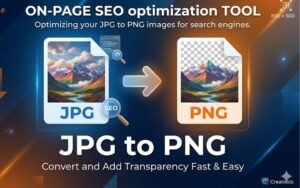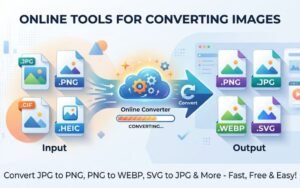

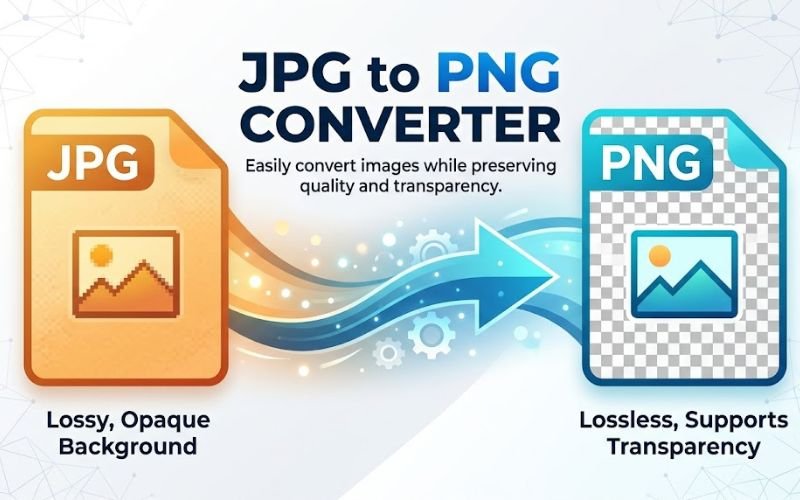
In today’s fast-moving digital world, managing images effectively is essential for tasks like web design and social media marketing. A common requirement is converting images from one format to another, such as JPG to PNG. This guide explains why JPG to PNG conversion is important, the benefits of using PNG format, and how you can easily do it using Creatoolz.
Understanding Image Formats: JPG vs. PNG
What is JPG?
JPG (Joint Photographic Experts Group) is a popular image format that uses lossy compression. This means some image data is removed to reduce file size, which can slightly lower quality. JPG works best for photographs and colorful images but is not ideal for sharp edges like logos or text.
What is PNG?
PNG (Portable Network Graphics) is a web-friendly format that supports lossless compression and transparency. This means it keeps full image quality even after compression. PNG is perfect for graphics, logos, icons, and images that need a transparent background or clear details.
Why Convert JPG to PNG?
1. Transparency
One of the main advantages of converting JPG to PNG is the ability to maintain transparency. If you need an image for a logo or graphic that should integrate seamlessly into a web page background, PNG is the way to go. The transparent background ensures that your design fits perfectly without any unsightly borders.
2. Quality Preservation
While JPG is an excellent format for photographs, it loses some detail due to its lossy compression techniques. On the other hand, PNG uses lossless compression, preserving every detail of your original image. This makes it a better choice for images requiring high-quality output.
3. Better for Graphic Design
If you’re working on graphic design projects, PNG files are often the preferred format. The ability to preserve sharp edges and fine details means your designs will look crisp and professional.
4. Enhanced Web Performance
When optimizing images for websites, using PNG can also improve performance. While PNG files tend to be larger than JPGs, the quality and transparency attributes make them advantageous for visual appeal, especially on sites focused on aesthetics.
How to Convert JPG to PNG Using Creatoolz
Converting JPG to PNG with Creatoolz is quick and easy. Follow these simple steps to get high-quality results.
Step 1: Open the JPG to PNG Tool
Visit the Creatoolz JPG to PNG Converter. The interface is clean and beginner-friendly. If you’re working with icon files, you can also explore the CUR to PNG tool for similar conversions.
Step 2: Upload Your JPG Files
Upload the images you want to convert by dragging and dropping them or selecting from your device. Before converting, you can use Compress JPG to reduce file size and speed up the process.
Step 3: Convert to PNG
Click the “Convert to PNG” button to start. Creatoolz will process your files and maintain high image quality during conversion.
Step 4: Download and Optimize
Download your converted PNG images instantly. To further optimize your files for web use, you can use Compress PNG to reduce size without losing quality.
Tips for Effective Image Management
While converting JPG to PNG is important, there are additional steps you can take to ensure effective image management:
1. Use Descriptive Filenames
When saving your converted PNG files, use descriptive filenames. This not only helps in organizing images but also improves SEO. For instance, instead of “image1.png,” you might name the file “business-logo-transparent.png.”
2. Optimize Alt Text
Always include alt text when inserting images into websites. This practice improves accessibility for users utilizing screen readers and enhances SEO rankings. Be sure to include relevant keywords, including “JPG to PNG,” in the alt text.
3. Regularly Review Your Image Library
Keep your image library updated by regularly checking for outdated or irrelevant images. Replace older files with optimized versions to maintain website efficiency and quality.
4. Experiment with Different Formats
While PNG is a great option, don’t hesitate to explore other image formats based on your needs. Sometimes, a WEBP or another type of file may be more suitable depending on the context of use.
Common Challenges and Solutions
Problem: Image Quality Issues
If you notice a quality drop after conversion, ensure that the JPGs you are converting are of high quality. Starting with a better quality image will yield a better PNG result.
Problem: File Size Concerns
While PNG files can be larger than JPGs, experimenting with compression settings during the download phase can help. Make sure to optimize your images for web use without losing essential quality.
Conclusion
Converting JPG to PNG is an essential process for anyone managing images in digital formats, particularly for graphics and designs that require transparency and high-quality output. Thanks to Creatoolz, this process has been made incredibly simple and efficient.
By following this guide and utilizing the powerful tools available, you can enhance the quality and performance of your images, making a marked difference in how your work is presented online. Whether for personal projects or professional needs, mastering image conversion techniques can significantly elevate your digital presence.Start converting your images today with Creatoolz and unlock the full potential of your visual.
Frequently Asked Questions (FAQs)
Why should I convert JPG to PNG?
Converting JPG to PNG helps maintain better image quality, supports transparency, and works well for graphics that need sharp details, making it ideal for web use.
How can I convert JPG to PNG using Creatoolz?
Simply upload your JPG file to Creatoolz, choose PNG as the output format, and click the convert button to download your image.
Does converting JPG to PNG affect image quality?
No, PNG uses lossless compression, so the quality remains the same. However, any quality lost in the original JPG cannot be restored.
Can I convert multiple JPG files to PNG at once?
Yes, Creatoolz supports batch conversion, allowing you to convert multiple JPG files into PNG format in one go.
Is there a file size limit for JPG to PNG conversion?
Yes, most online tools have upload limits. It’s best to check Creatoolz for any specific file size restrictions.